



Website
8-Page Plumbing Website
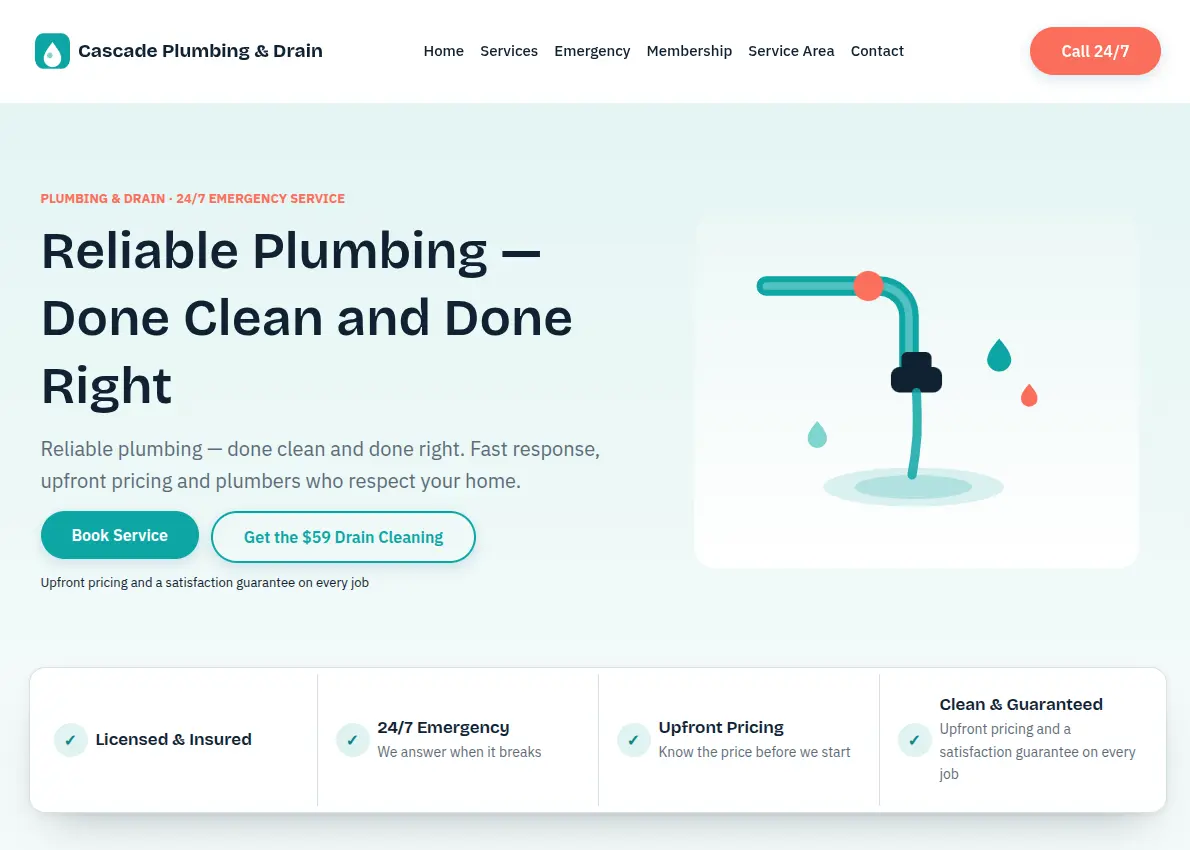
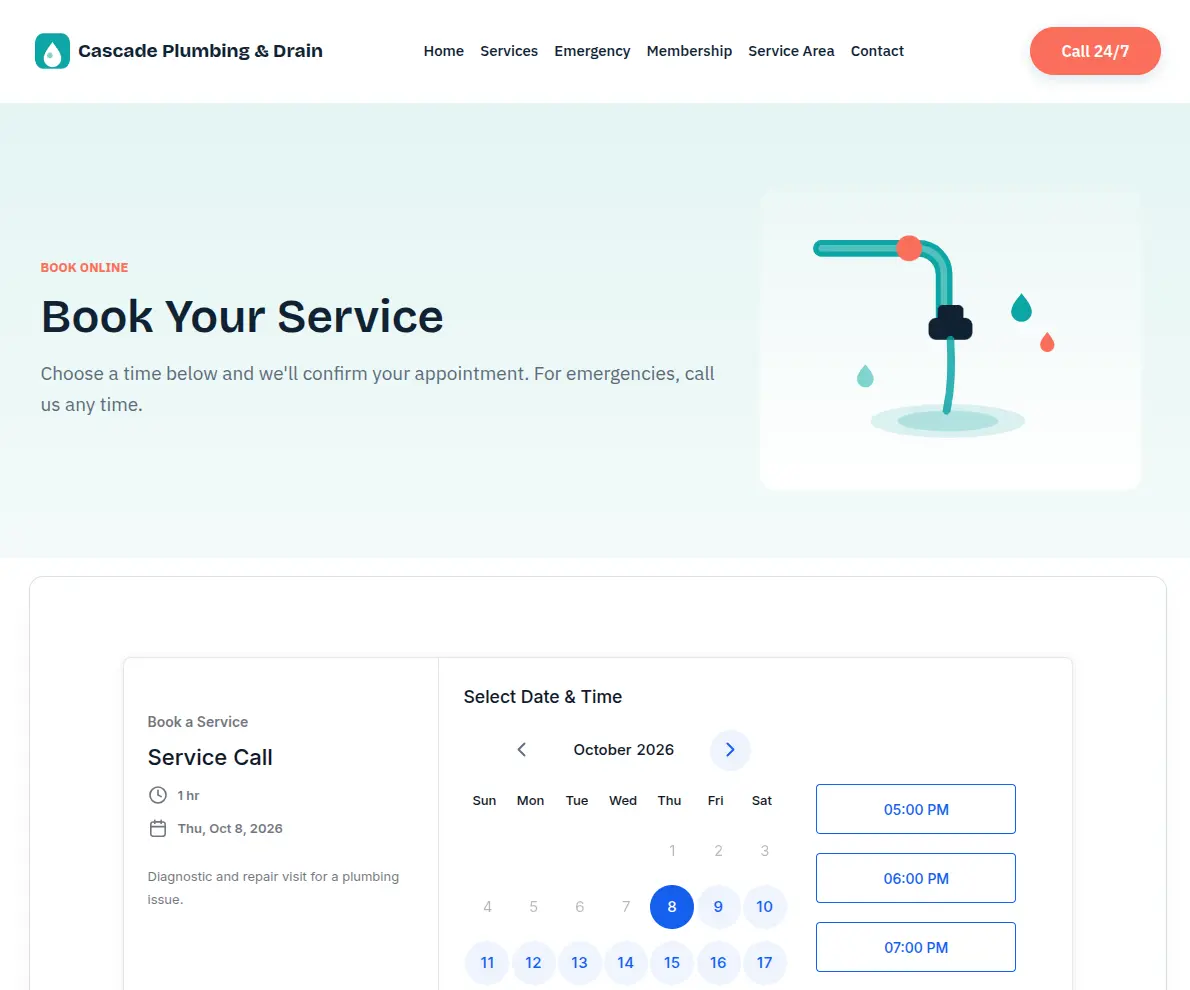
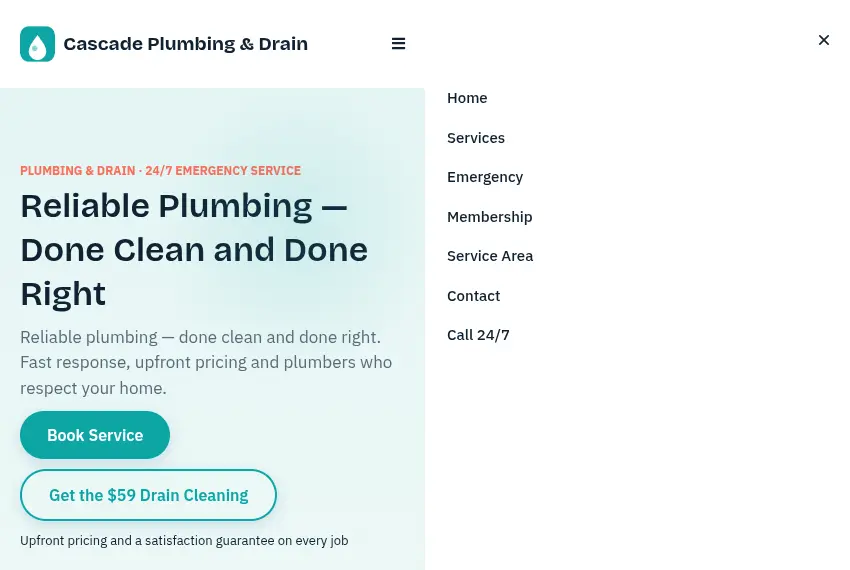
Home, Services, Emergency, Membership, Service Area, Contact, Book and Thank You pages, with a $59 Drain Cleaning offer that pops up as a visitor goes to leave the home page.
Plumbing Pro is a complete GoHighLevel plumbing snapshot for residential plumbing and drain companies: an 8-page website, two offer funnels, 15 workflows, four pipelines and a 24/7 emergency lane, all branded from one Setup Wizard form.
$297 USD
Why plumbers switch
Plumbing shops rarely lose work because the crew can't fix the problem. They lose it earlier: the call that rang out at 7pm, the water heater quote nobody chased, the drain customer who never heard from you again. One snapshot covers every one of those gaps.
15
Workflows sorted into six labelled folders
8
Website pages, plus two offer funnels
4
Pipelines with 25 stages between them
35
Custom values written by one wizard
What's included
Every asset plumbing businesses need to win calls, close estimates and keep customers, from one-truck operators to multi-van crews. It is a GoHighLevel snapshot, so it lands in your GoHighLevel account in one step, and every automation arrives in Draft. Nothing sends until you publish it.
Home, Services, Emergency, Membership, Service Area, Contact, Book and Thank You pages, with a $59 Drain Cleaning offer that pops up as a visitor goes to leave the home page.
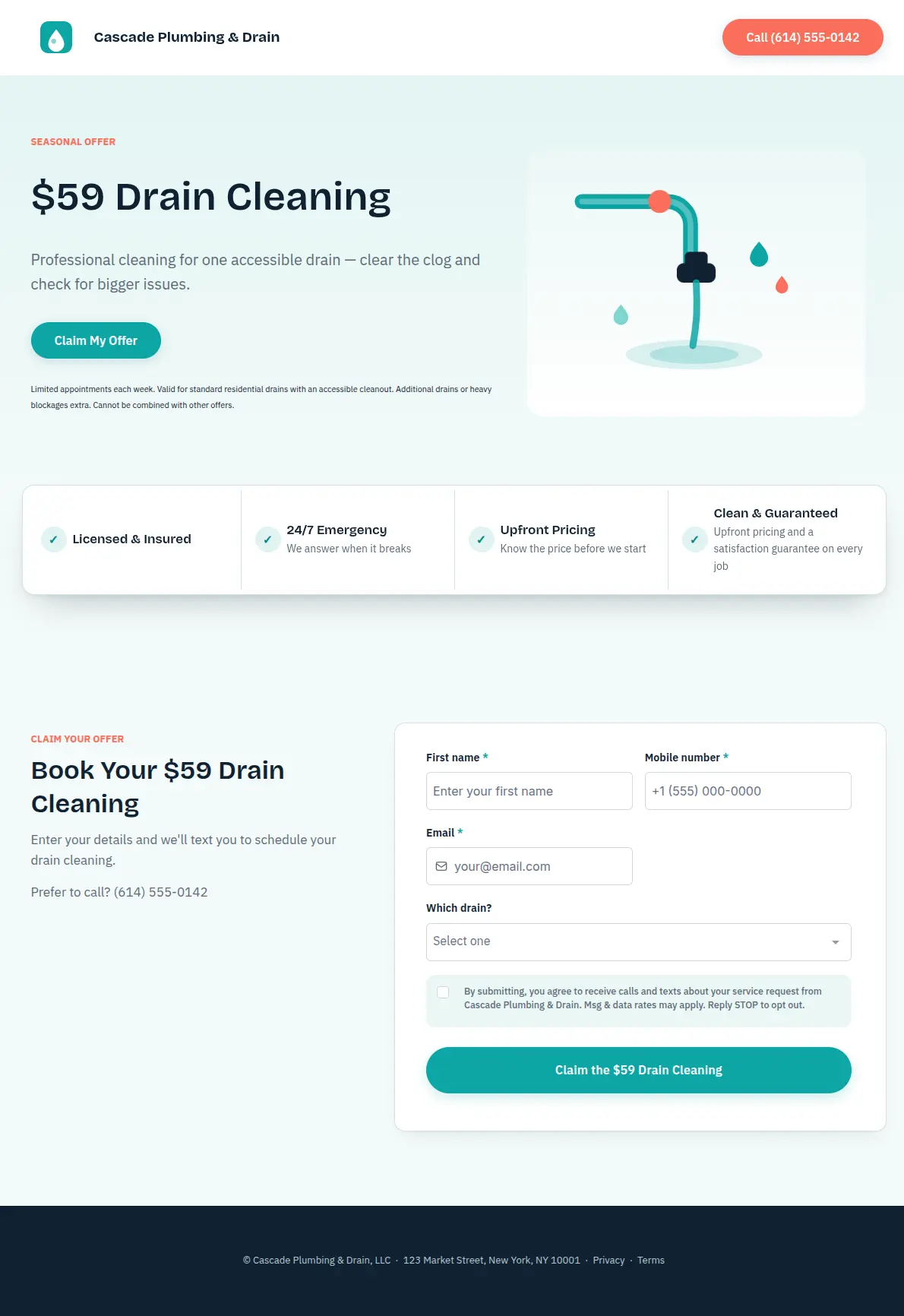
An Inspection Promo funnel built around the $59 drain offer, and a Free Estimate funnel for water heater, repipe and fixture jobs. Each has its own thank-you step.
One internal form asks for your business name, hours, phones, service area, offer and plan. Submit it once and 35 custom values fill every page, form and text.
Every service request gets an instant text and two follow-ups. After a missed call, the caller gets a text within a minute while your team is alerted.
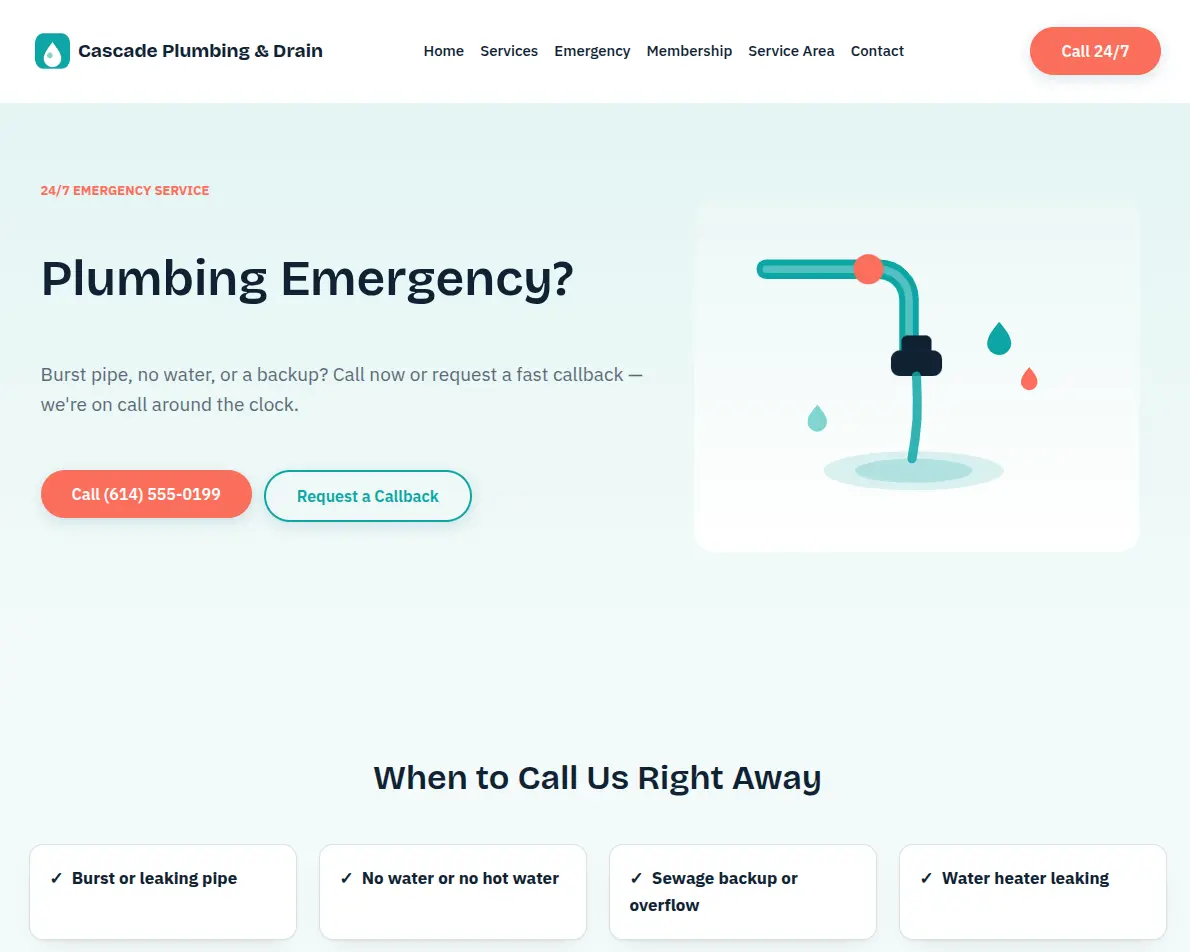
A dedicated callback form and pipeline for burst pipes and backups. The owner is alerted at once, and the customer is told to shut off the main water valve.
Estimate requests get an instant reply and a call to book the in-home visit. Once a proposal is sent, follow-ups go out on day two and day seven.
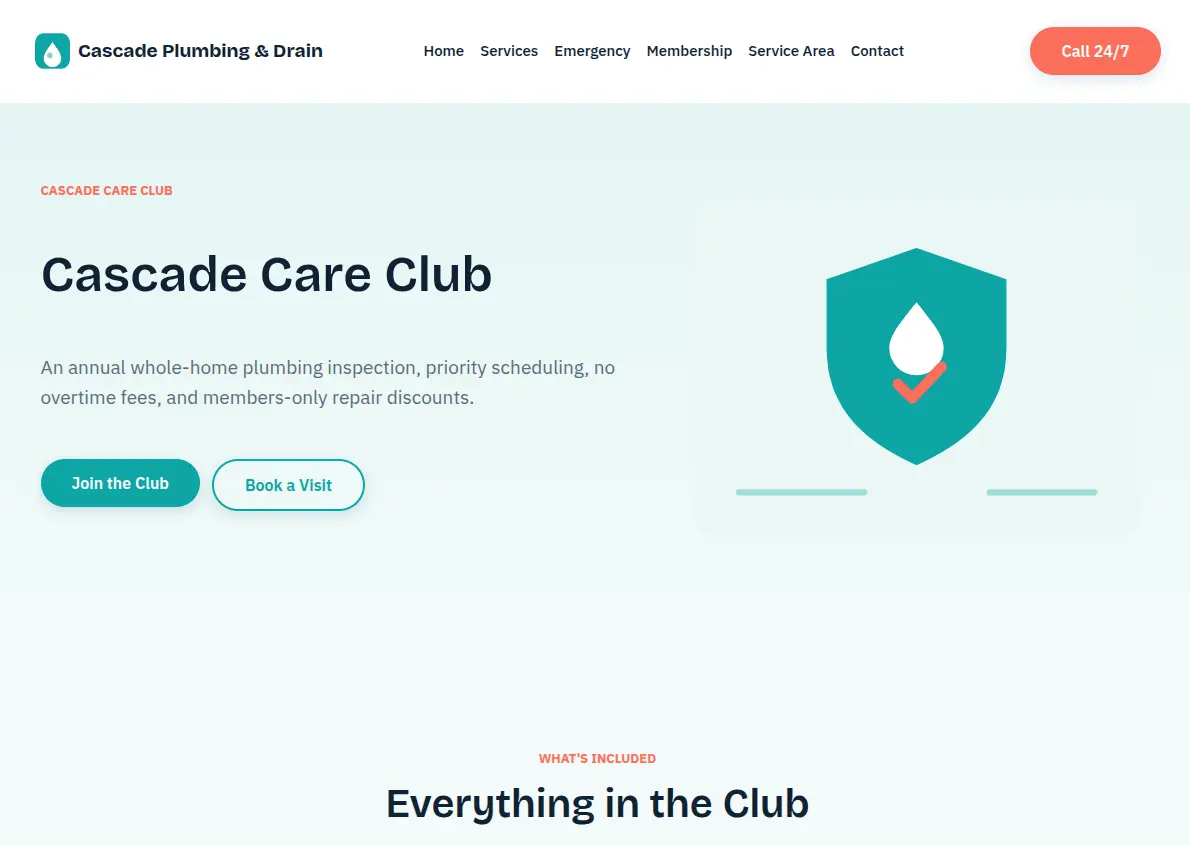
A membership signup, a welcome text, a yearly inspection reminder and a renewal flow, so one-off drain calls can turn into customers who come back every year.
Each completed job triggers a review request, with no gating. Six-month check-ins and an aged-lead campaign nurture past customers and quiet leads back to booking.
A guardrailed receptionist prompt and a 14-question plumbing FAQ knowledge base with water-safety answers. You create the bot in HighLevel's Conversation AI, attach both and test it first.
Four draft blog posts on clogs, hot water, repair-or-replace and frozen pipes, 13 SMS snippets for the front desk, three trigger links and a 36-post social plan.
See the full asset listService pipeline
The Service & Repair pipeline tracks every new lead from the first call to the review. Cards move as the work moves, so the whole crew can see what is waiting and what is done.
Customer flow
This is marketing automation built for plumbers. Fifteen workflows hand off to each other: a booking stops the chase messages, a new booking ends no-show recovery, and STOP ends everything.
A service form starts speed-to-lead: it opens a job card, alerts the owner and follows up on days one and three.
Hi Jess, thanks for reaching out to Cascade Plumbing & Drain! We'll call shortly to confirm your service window.
The Emergency Callback form opens its own pipeline card, alerts the owner straight away and sends the customer a safety step.
A team member is calling you now. If water is flooding, shut off your main valve.
A booking pulls the contact out of lead and revival flows, then sends a confirmation plus reminders 24 and two hours ahead.
You're booked, Jess! Service Call on Thursday at 9:00 AM.
A missed appointment gets a friendly text the same day and another the next day. Booking again stops both.
Hi Jess, we missed you today at Cascade Plumbing & Drain. Want to pick a new time?
Once a proposal is marked sent, follow-ups go out on day two and day seven, the last noting that pricing is held.
Did you get the proposal from Cascade Plumbing & Drain? Happy to walk you through the options.
A completed appointment triggers a review request with your Google link. Every customer gets the same ask, whatever the visit.
How did we do? If we earned it, a quick review really helps.
Care Club members get an annual inspection reminder and, at renewal time, a nudge to keep their priority service going.
It's time for your annual plumbing inspection. A quick check now prevents leaks and clogs later.
A reply of STOP tags the contact Do Not Contact, removes them from every workflow and lets your team know.
STOP
Included website
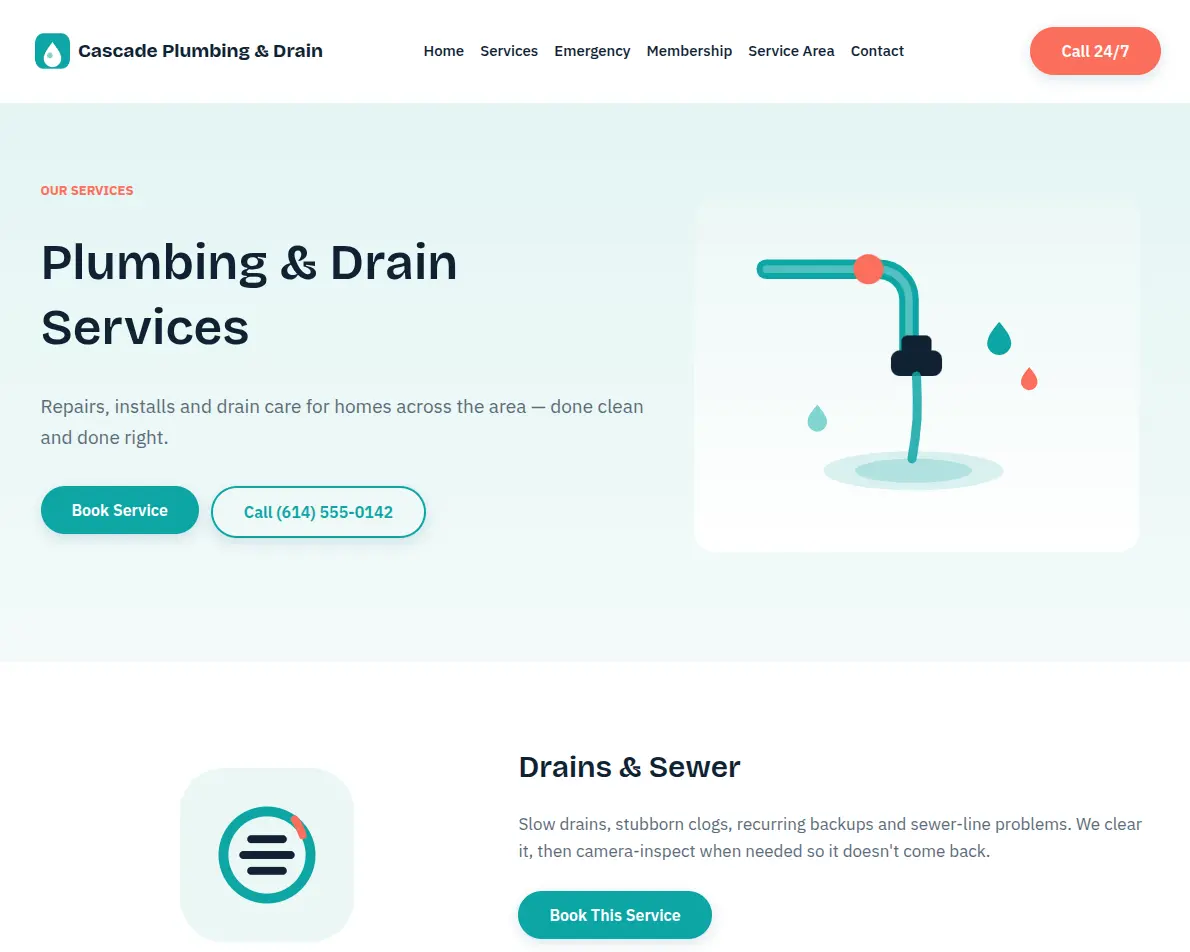
Eight pages arrive already written for plumbing customers, so you skip the blank website template, and the wizard fills in your details. Tailor any section after import. Every page leads to a call, a booking, a callback or the Care Club signup.
Included funnels
Most homeowners don't book a plumber until something breaks. The $59 Drain Cleaning offer gives each plumbing lead a low-risk reason to call first, through its own funnel and a pop-up on the home page. Bigger jobs go through the Free Estimate funnel instead.
Inside the account
Open the sub-account and everything has a place. Workflows sit in numbered folders, and every business detail lives in one set of custom values, shown here with demo data.
Workflows list
Create folder + Create workflow6 folders · 15 workflows · imported as Draft until you publish
Setup Wizard
Custom values
Search valuesShowing 8 of 36 · all filled by the Setup Wizard
Full inventory
Before go-live
A few values are left blank on purpose, because only you can supply them. The wizard asks for most.
Setup
Plan on about 15 minutes of hands-on work after the import, plus waiting time for phone and domain approvals. Ten steps, in this order, with every screen covered in writing.
Fill in the internal form once. Your name, phones, hours, offer and plan appear everywhere.
Check the address and, above all, the time zone. Calendars and reminders depend on it.
Buy a number and start A2P 10DLC registration on day one. Texts won't send until it's approved.
Verify an email sending domain so confirmations and reminders land in inboxes, not spam.
Point your domain at the site so the pages publish at your own address.
Assign your plumbers to all three calendars and match the hours to how you really work.
Publish all 15 workflows, except the Setup Wizard one, which goes back to Draft.
Optional. Build the bot from the included prompt and knowledge base, then test it in Suggestive mode.
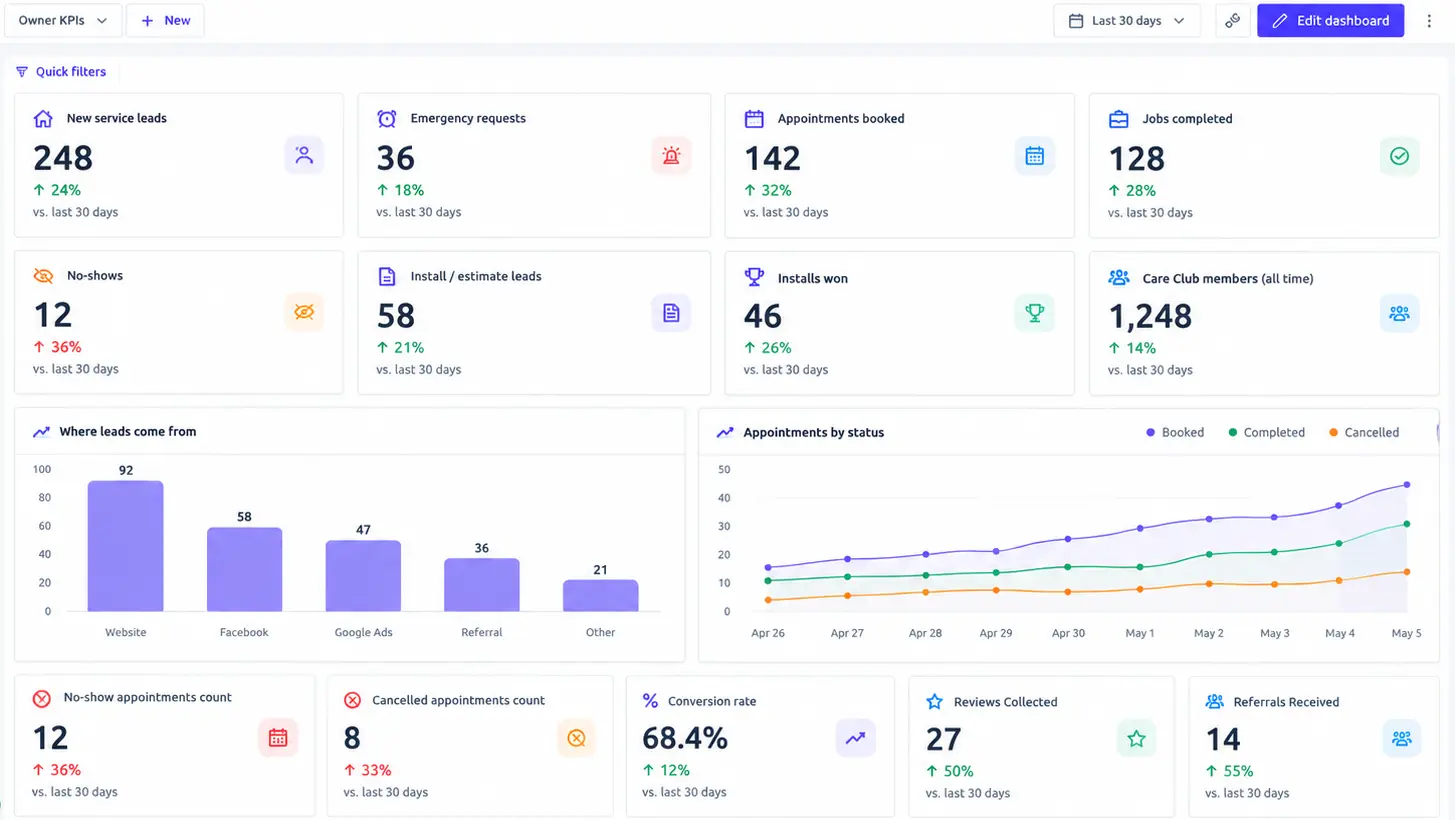
HighLevel sometimes leaves custom dashboards out of snapshots. If it's missing, the guide shows how to rebuild it.
Publish the blog posts you want, upload the social plan and let the front desk use the snippets.
How it compares
| Area | A blank HighLevel account | Plumbing Pro |
|---|---|---|
| Website | Designed and written from nothing | Eight plumbing pages filled by the wizard |
| Lead follow-up | One generic sequence, if any | Instant reply, three-day follow-up, missed-call text back |
| Emergencies | Treated like any other enquiry | Own form, pipeline and owner alert |
| Estimates | Left to whoever wrote the quote | Day-two and day-seven proposal follow-up |
| Repeat business | Remembered when someone has time | Care Club, yearly inspections and reactivation |
| Reviews | Asked for now and then | A request after every finished job |
| Compliance | Yours to research | Consent text and STOP handling built in |
Compliance notes
Every form carries consent wording, every text ends with "Reply STOP to opt out", and replies of STOP are honoured across every workflow.
Emergency texts and the knowledge base tell customers to shut off the main valve, and to leave and call 911 or the utility for gas or sewage.
The review flow asks every customer the same way. It never filters out unhappy customers and never writes reviews for you.
Your license line starts blank, and the demo trust badges and guarantee text are placeholders to edit before launch, so the live site only claims what you can back.
The snapshot is built to help you follow common texting rules; you stay responsible for how you use it.
Comparing GHL snapshots for other trades? Browse the full snapshot library, see how our dental snapshot handles clinics, or find Plumbing Pro in the store listing.
Buy Plumbing ProPlumbing Pro is GHLExpertly's GoHighLevel plumbing snapshot for HighLevel, the all-in-one CRM many local businesses run on. It copies a website, two funnels, six forms, three calendars, four pipelines and 15 workflows into your sub-account in one step. You then brand all of it with the Setup Wizard instead of editing pages one by one.
HighLevel bundles a free plumbing playbook with its 14-day trial, covering a website, an offer funnel, workflows, forms and calendars. Plumbing Pro goes further on how a plumbing shop really earns: a separate emergency lane, proposal follow-up for installs, a Care Club membership and a wizard that brands everything in one pass.
Plumbing Pro is $297 USD, paid once through the store's secure checkout. After purchase you get a protected import link and a setup guide with screenshots, an intake sheet and a checklist. Your HighLevel subscription, phone number and A2P fees are separate and paid to HighLevel and the carriers.
Any plan where you have your own sub-account works, from Starter through SaaS Pro, so most GoHighLevel users already qualify. An agency can load it into each client's sub-account. Not on the platform yet? HighLevel offers a free trial. If you plan to switch on the AI receptionist, check HighLevel's current AI pricing for your plan.
Loading the snapshot is a single import, and the Setup Wizard plus connections take about 15 minutes of hands-on work. The wait is A2P 10DLC approval and DNS, which can take a few days, so start both on day one. The included setup guide lists all ten steps in order.
Yes, when customers have agreed to hear from you and your number is registered. Every form in the snapshot carries consent wording, every text includes opt-out wording, and STOP replies are handled automatically. You still need to complete A2P 10DLC registration, which US carriers require for business texting from a local number.
Not fully. HighLevel's Conversation AI has to be created in its own screen, so the snapshot ships the parts: a guardrailed prompt and a 14-question plumbing knowledge base. You create the agent, attach both and the Service Call calendar, then test it in Suggestive mode. The AI Employee guide explains the wider feature.
It is built for one niche, residential plumbing and drain companies, covering repairs, emergencies, water heaters, repipes, sewer work and maintenance plans. Commercial-only shops can still use the pipelines and follow-up, though some page copy will need edits. Everything is editable after import, and the wizard handles your name, area, offer and plan.
Plumbing Pro is not a replacement for dispatch and invoicing tools like ServiceTitan or Housecall Pro. It runs the marketing side inside HighLevel: the website, lead capture, follow-up, reminders and reviews. Many shops keep their field service software for jobs and invoices and use HighLevel to win and keep the customers.
Start with the setup guide, which walks through every screen with screenshots and a checklist. If you still have a question, it is answered by the snapshot's builder. Prefer to talk it through first? Book a call and we will check it fits your shop before you buy.
Plumbing Pro · $297 USD
Buy it today and run the Setup Wizard this afternoon, or book a free call first and we will confirm it fits your shop before you commit.
Questions first? Chat on WhatsApp