



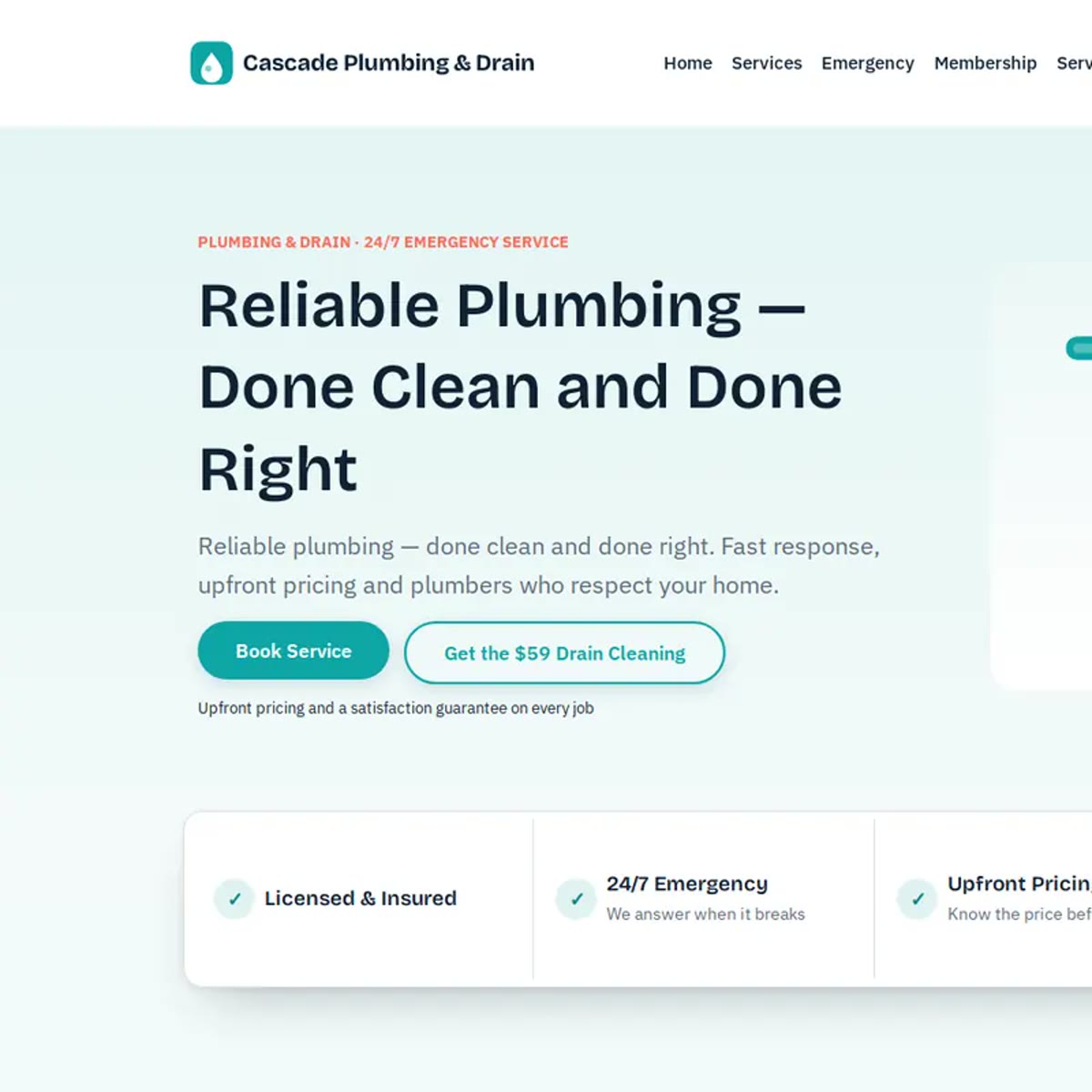
Plumbing · GoHighLevel snapshot
Plumbing Snapshot
Never miss an emergency call
$297 USD
- Imports into your own HighLevel account
- Setup wizard fills every client-specific value
- Step-by-step install guide and go-live checklist
Secure checkout on our GoHighLevel store · Refund policy · Terms of sale
Want the full tour of Plumbing Pro? See the GoHighLevel plumbing snapshot page, with screenshots, the patient journey, and setup steps.
A snapshot is a copy of a configured GoHighLevel sub-account. You load it from the agency view into a new or existing sub-account, and the build arrives in place instead of being assembled screen by screen.
Listed under Home Services & Trades, for Plumbing businesses.
The customer path
What this plumbing system runs after import
Plumbing shops rarely lose work because the crew can’t fix the problem — they lose the 7pm call, the unchased water-heater quote, and the customer who never heard back.
- 01
Request
Service forms start speed-to-lead; missed calls get a text-back while the team is alerted.
- 02
Emergency lane
Burst pipes and backups jump the queue with owner alerts and a safety step for the customer.
- 03
Book + show
Booking stops chase messages; confirmations and reminders protect the schedule; no-shows get a second chance.
- 04
Estimate follow-up
Proposals get day-two and day-seven follow-ups so quotes don’t die in the inbox.
- 05
Job done → review
Completed work triggers a review ask with your Google link.
- 06
Care Club + revive
Membership renewals and aged-lead campaigns bring past customers and quiet leads back to booking.
Below is the full asset list. Use it to verify the build — the path above is what those assets are for.
Before you buy
What you get — and what you don’t have to worry about
Plain terms. No fake “was $2,497” anchors. No mystery refunds.
-
Refund
Once you have the snapshot share link, the sale is final — the deal is complete. There is no day-window refund after delivery. If the link never arrives or the import is incomplete, we fix or resend it.
-
You won’t get stuck
Setup Wizard fills client-specific values; step-by-step install guide and go-live checklist included.
-
Access
One-time purchase. Unlimited installs inside your own agency. The import stays in your HighLevel account.
Need a fit check before paying? Email support@ghlexpertly.com with your niche and offer.
How you get it and install it
- 1 Check out on the GHLExpertly store. The snapshot link and install guide go to the email you pay with.
- 2 Open the link while signed in to your GoHighLevel agency account and import the snapshot.
- 3 Load it into a new sub-account, or push it into an existing one from the agency Snapshots page.
- 4 Follow the guide to fill custom values and connect the phone number, email and calendars.
Plumbing Snapshot questions
Do I need a GoHighLevel agency account?
Yes. Snapshots are imported in the agency view and then loaded into a sub-account, so you need agency-level access to install one.
Can I change it after import?
Yes. Everything a snapshot loads is an ordinary GoHighLevel asset in your sub-account: pages, workflows, pipelines and forms all stay editable.
More GoHighLevel Snapshots
-
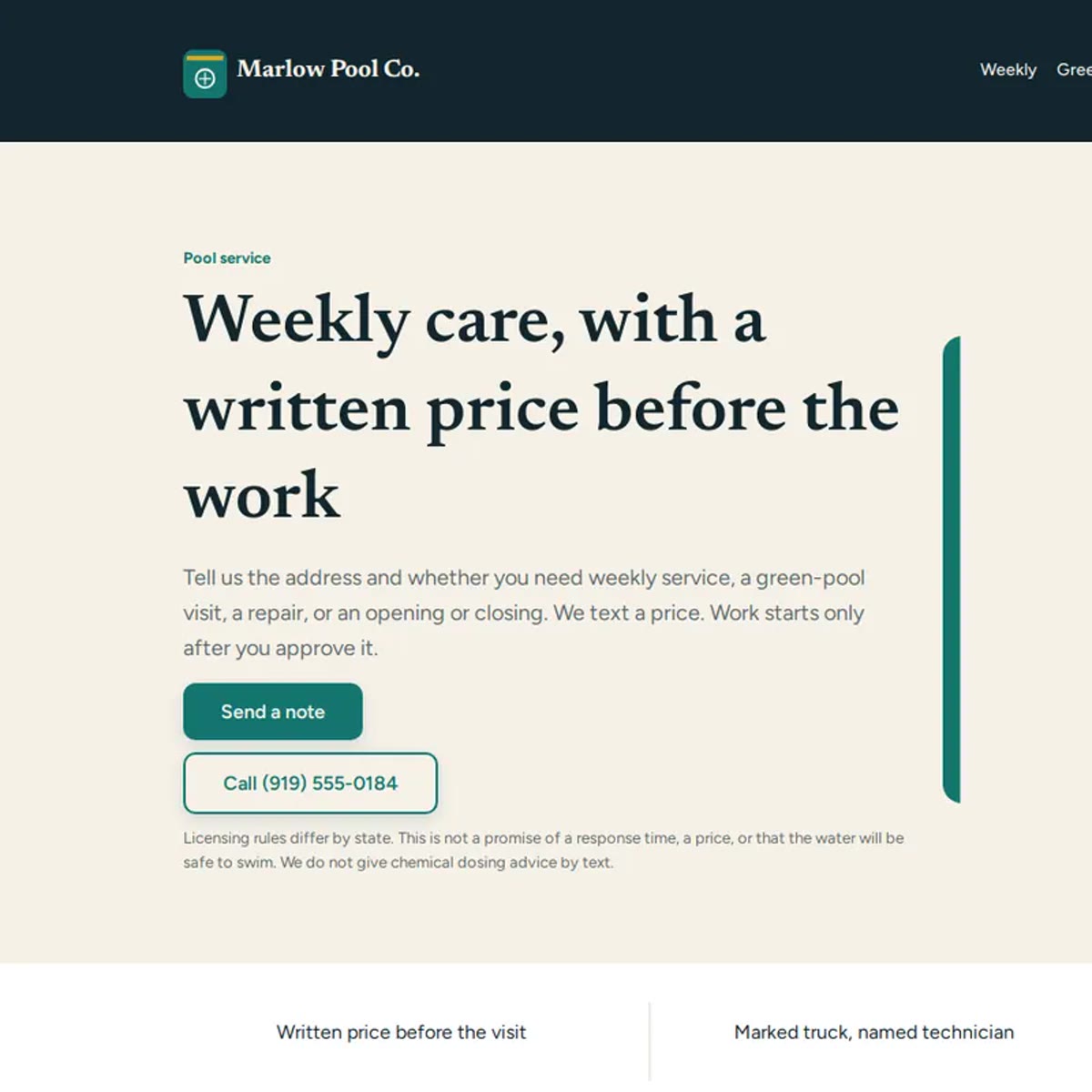
Pool Business Snapshot
Weekly routes that fill themselves
$297
-
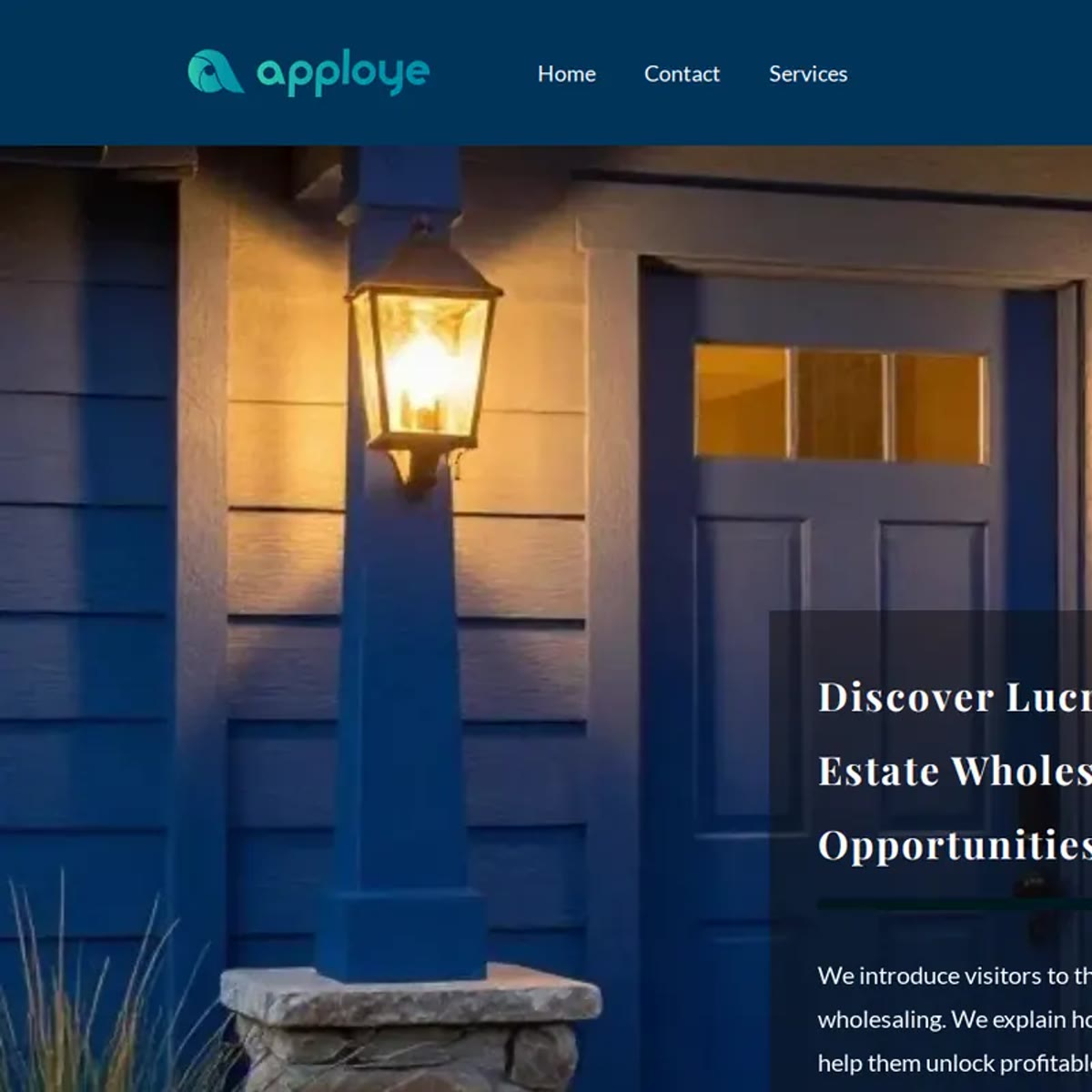
Real Estate Agent Snapshot
Convert leads into closings
$297
-
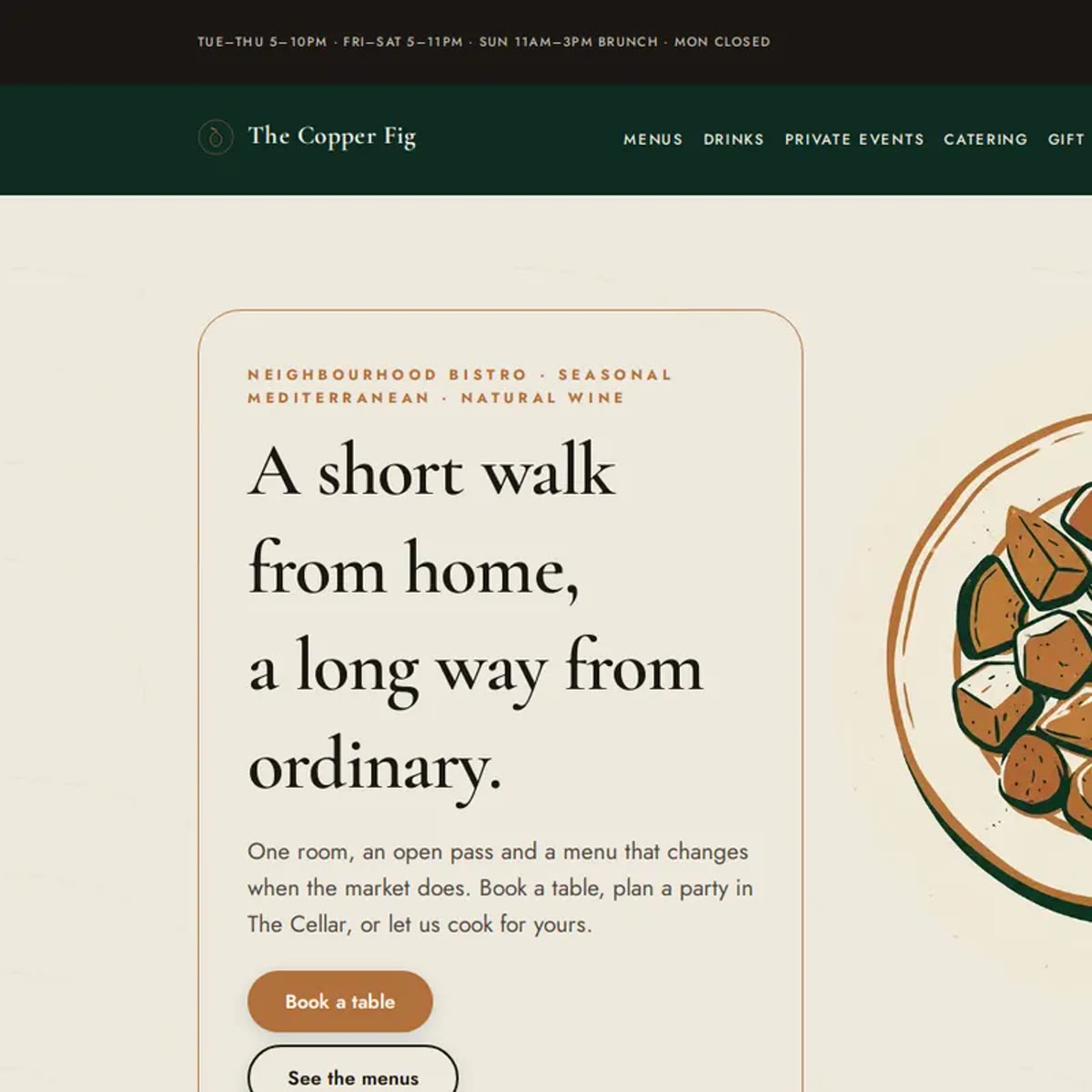
Restaurant Snapshot
Reservations, reviews, repeat diners
$297
Plumbing, other formats
Browse the store
-
GoHighLevel Snapshots
18 snapshots -
GoHighLevel Website Templates
18 website templates -
GoHighLevel Funnel Templates
16 funnel templates -
GoHighLevel Themes
4 themes -
GoHighLevel Bundles
2 bundles
Everything we sell sits in the GoHighLevel store.
Want this built into your own account instead?
We install store products into your sub-account and adapt them to how you actually sell. Book a call and we will scope it.