



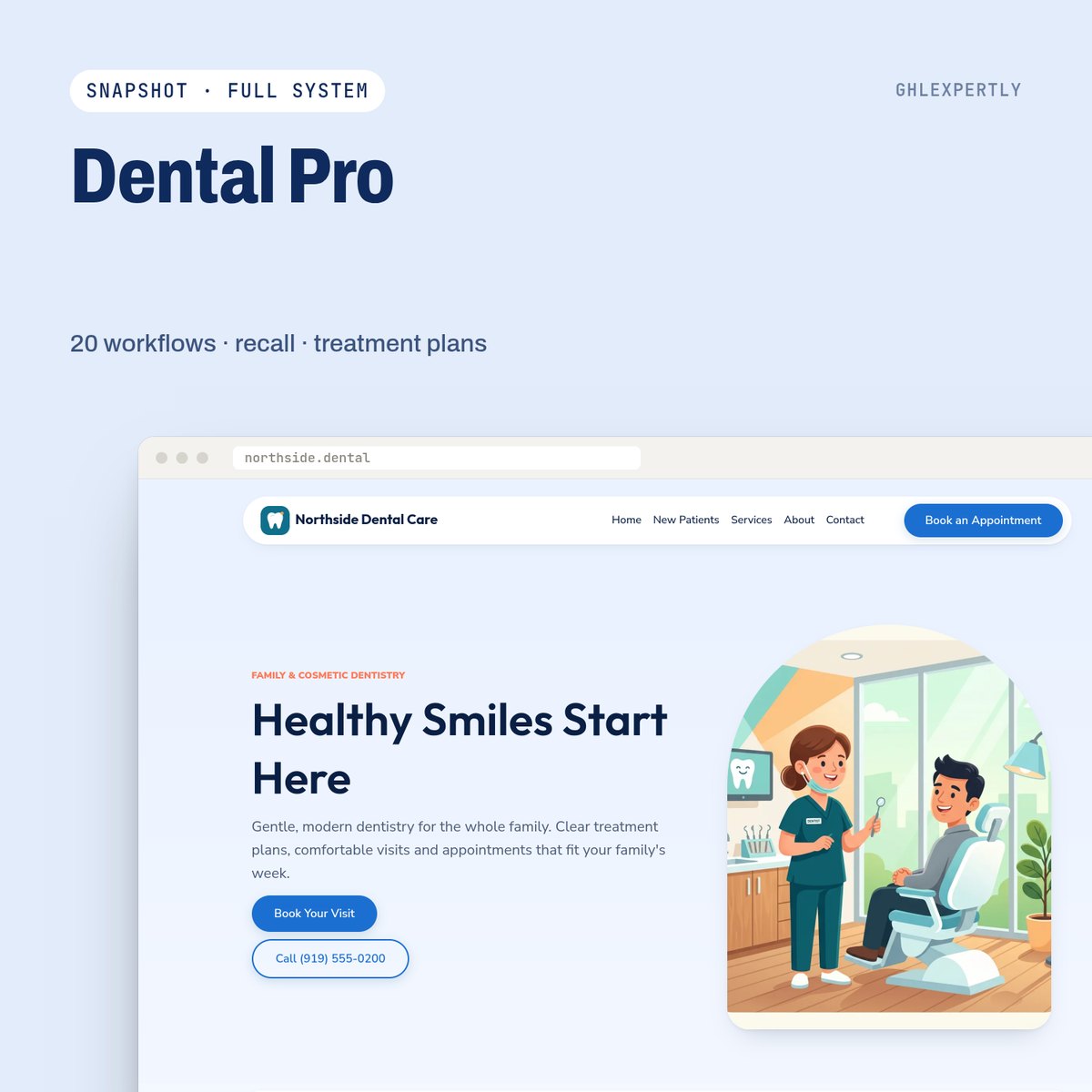
Dental · GoHighLevel snapshot
Dental Pro
Practice Growth System
A practice growth system for dental clinics: website and offer funnel, treatment-plan acceptance, 6-month recall, emergency fast lane, AI receptionist and KPI dashboard.
$297 USD
- 20 workflows, 5 forms, 4 calendars
- Smile consultation journey
- Setup Wizard and buyer guide
Secure checkout on our GoHighLevel store · Refund policy · Terms of sale
A snapshot is a copy of a configured GoHighLevel sub-account. You load it from the agency view into a new or existing sub-account, and the build arrives in place instead of being assembled screen by screen.
Listed under Health & Medical, for Dental businesses.
How you get it and install it
- 1 Check out on the GHLExpertly store. The snapshot link and install guide go to the email you pay with.
- 2 Open the link while signed in to your GoHighLevel agency account and import the snapshot.
- 3 Load it into a new sub-account, or push it into an existing one from the agency Snapshots page.
- 4 Follow the guide to fill custom values and connect the phone number, email and calendars.
Dental Pro questions
Do I need a GoHighLevel agency account?
Yes. Snapshots are imported in the agency view and then loaded into a sub-account, so you need agency-level access to install one.
Can I change it after import?
Yes. Everything a snapshot loads is an ordinary GoHighLevel asset in your sub-account: pages, workflows, pipelines and forms all stay editable.
More GoHighLevel Snapshots
-
Dental Snapshot
Fill chairs, reduce no-shows
$297
-

General Contractor Snapshot
From estimate to signed job
$297
-
Gym & Fitness Snapshot
Turn trials into members
$297
Browse the store
-
GoHighLevel Snapshots
20 snapshots -
GoHighLevel Website Templates
19 website templates -
GoHighLevel Funnel Templates
16 funnel templates -
GoHighLevel Themes
4 themes -
GoHighLevel Bundles
2 bundles
Everything we sell sits in the GoHighLevel store.
Want this built into your own account instead?
We install store products into your sub-account and adapt them to how you actually sell. Book a call and we will scope it.